X12.5 real-machine orientation · physical workflow on Hold
See the real X12.5.
10 distinct official O2NAILS films now replace the repeated avatar-and-illustration experience while exact-current training is validated. Use them to recognize the machine, intended sequence and stop boundaries—not as authority to power, install, calibrate, print or clean before the current shipped-unit release passes.
Useful orientation is open. Unproven physical instruction is not.
Official historical and shared O2NAILS films are reference material only. The portal-led physical workflow, evidence workboard and completion claim remain locked until the current shipped unit is accepted.
The embedded films may show older interfaces, other language, shared cartridge hardware or historical product steps. Every actionable explanation on this page is written in English, and the exact delivered unit, current manufacturer documents and product labels remain in control.
Current gateHOLD
Reference viewing only
No checkbox, course click or paid purchase can remove this technical Hold.
X12.5 official reference library
10 distinct real-machine films, eight English orientation steps
Exact-X12.5 films and shared O2NAILS procedures are visibly separated. Each step states what to notice, what accepted current-unit training must eventually prove, what evidence will be required and when to stop.
New · real-machine visual orientation
Eight visual cards. No invented controls. No unsafe shortcut.
Every original NailPrinter.ca card names the evidence class and separates what an owner may safely review now from the physical step that remains on Hold. Open the official films below to see the real product.
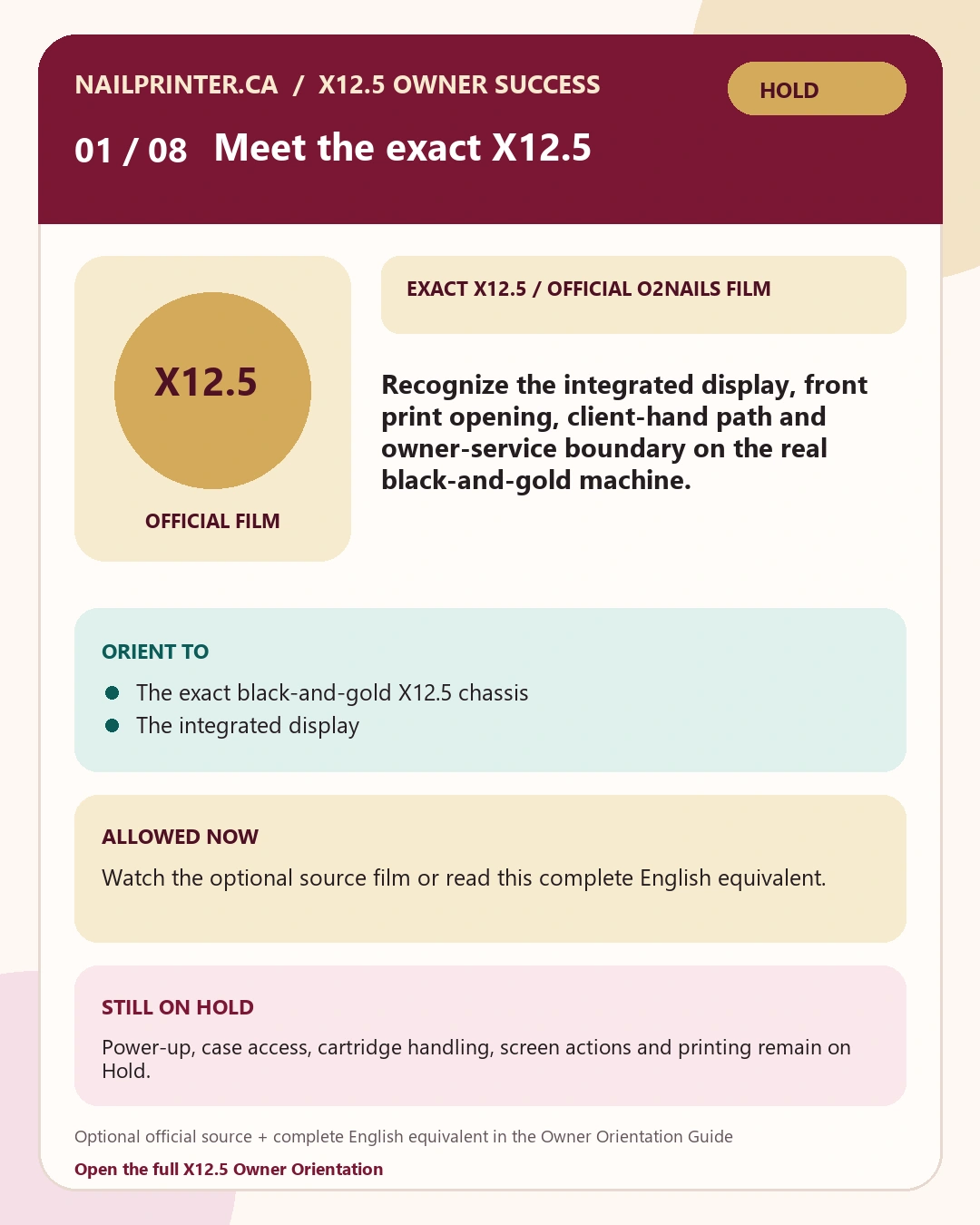
Identify the integrated display, print opening, cartridge area, client-hand path and owner-service boundary on the real machine.
Exact X12.5 · official O2NAILS footage
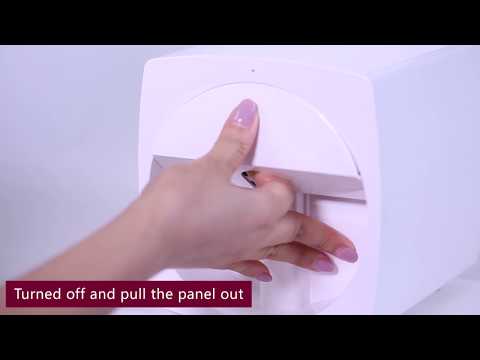
SourceX12.5 desktop nail printer overview
ReviewOpen the optional official source or use the complete English equivalent in the guide.
BoundaryDo not execute the future physical actions from an orientation card or historical/shared source.
Locked future evidence target
Save the X12.5 model record and identify the display, print opening, cartridge area, hand path and one safe stop condition.
Stop / Hold: Hold if the model label, case, display, opening or supplied hardware differs from the unit shown and your order record. Use free NailPrinter.ca Owner Support rather than guessing.
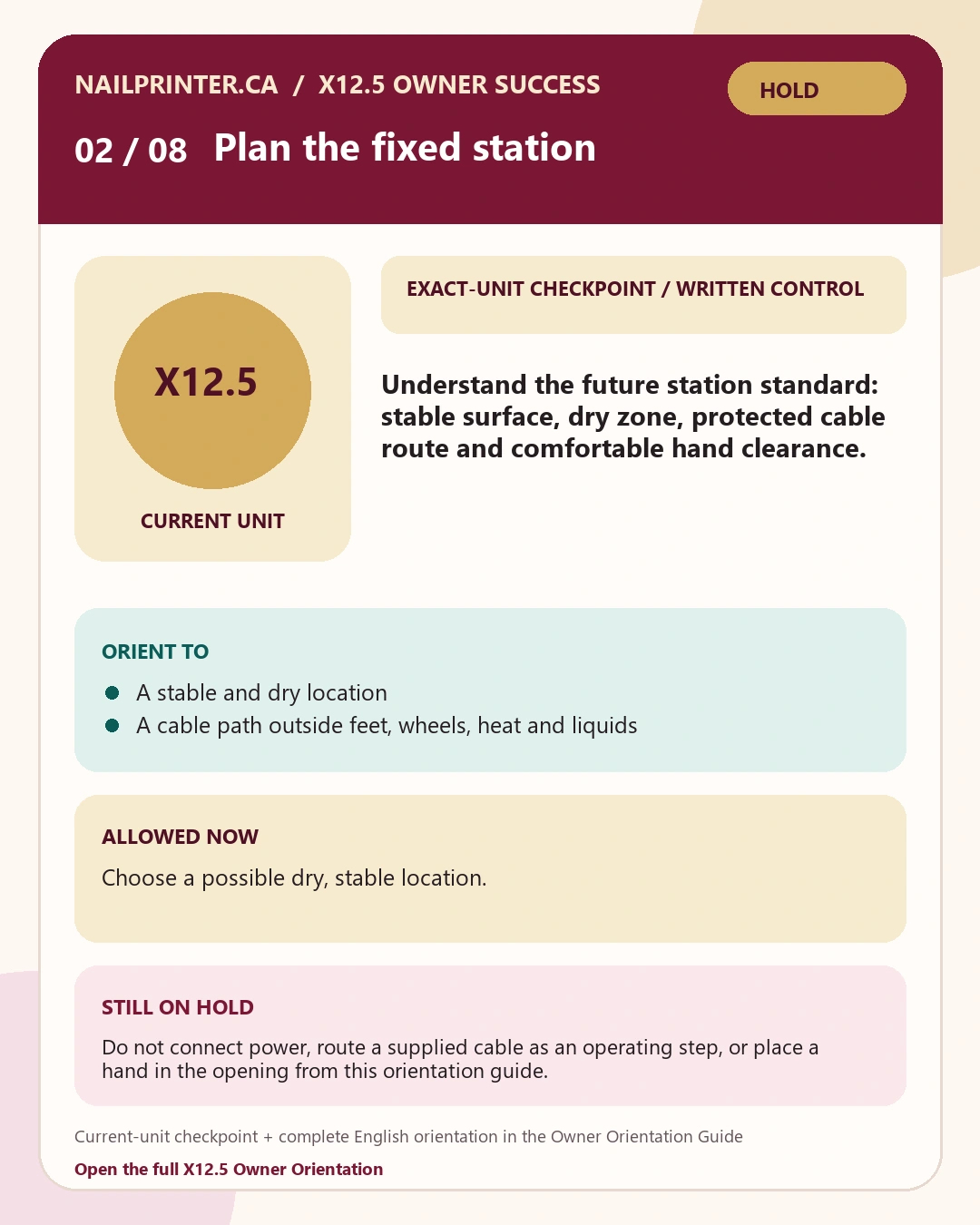
Create a stable, cable-safe and client-ready fixed station with repeatable lighting, dry-zone control and comfortable hand clearance.
Exact-unit checkpoint · written guide controls
SourceExact-current written checkpoint; no weaker substitute film.
ReviewReview the written evidence target without substituting another machine or interface.
BoundaryDo not execute the future physical actions from an orientation card or historical/shared source.
Locked future evidence target
Save one privacy-safe workstation photo showing the stable surface, protected cable route, dry zone and client-hand clearance.
Stop / Hold: Hold for shipping damage, liquid exposure, a moving surface, an uncertain adapter label or inadequate hand clearance. Use free NailPrinter.ca Owner Support rather than guessing.
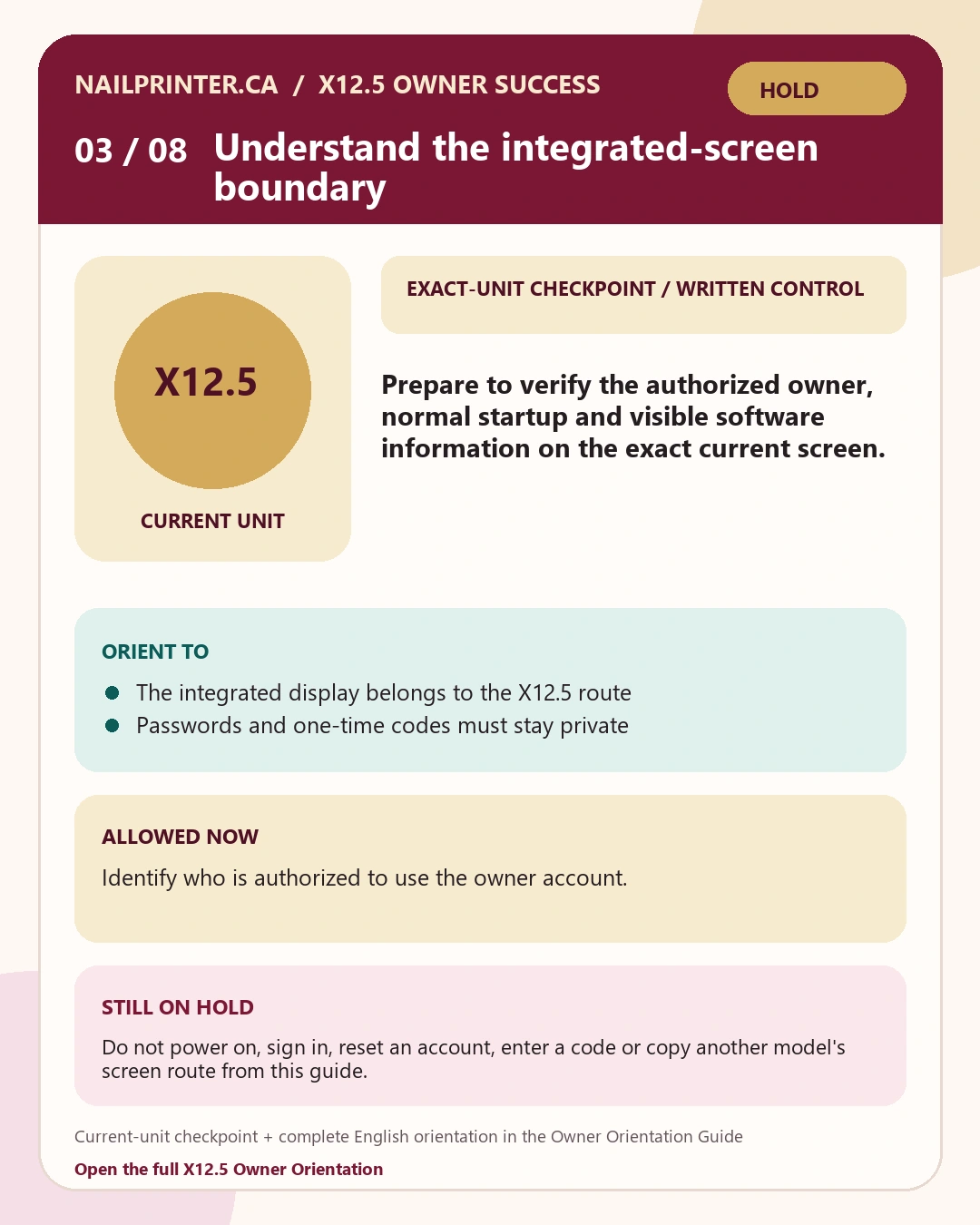
Confirm the authorized owner, normal startup and visible software information without copying a phone-only or another-model route.
Exact-unit checkpoint · written guide controls
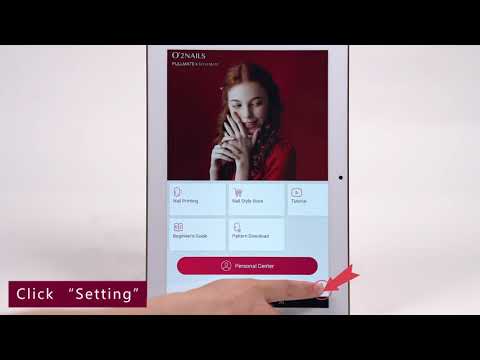
SourceSign in and register
ReviewOpen the optional official source or use the complete English equivalent in the guide.
BoundaryDo not execute the future physical actions from an orientation card or historical/shared source.
Locked future evidence target
Record the authorized owner, startup result and visible software/build information without saving a password or verification code.
Stop / Hold: Hold for a damaged power path, warning, restart loop, unknown owner account or screen route that differs from the current guide. Use free NailPrinter.ca Owner Support rather than guessing.
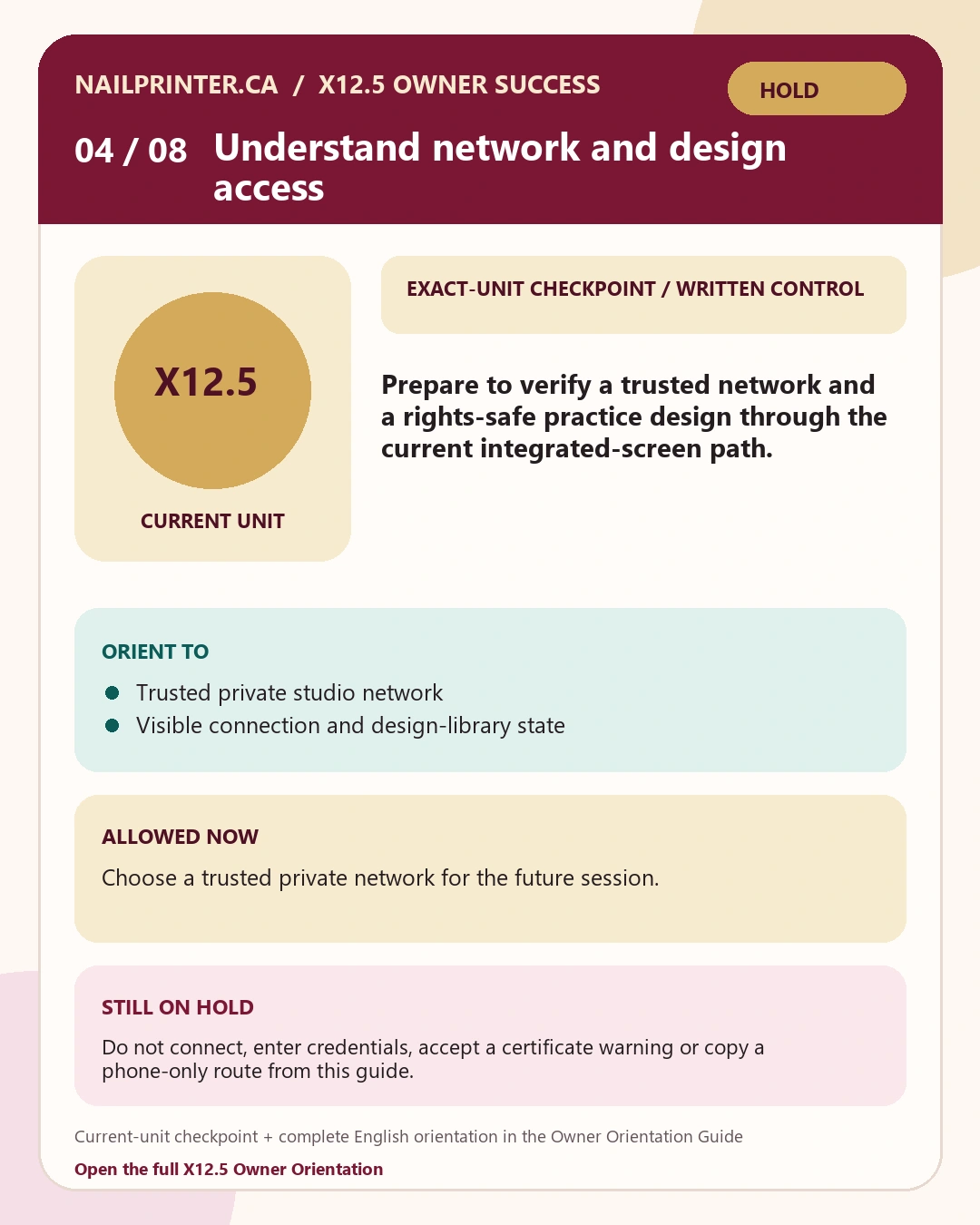
Use the current integrated-screen path to confirm trusted-network and rights-safe design-library access without exposing credentials.
Exact-unit checkpoint · written guide controls
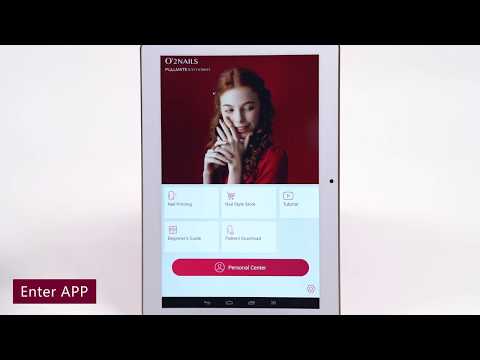
SourceConnect a nail printer to Wi-Fi
ReviewOpen the optional official source or use the complete English equivalent in the guide.
BoundaryDo not execute the future physical actions from an orientation card or historical/shared source.
Locked future evidence target
Record the successful network and design-library state with passwords, codes and customer information excluded.
Stop / Hold: Hold for a certificate warning, captive page, exposed credential, failed design access or a screen route that differs from the guide. Use free NailPrinter.ca Owner Support rather than guessing.
Recognize the real SM10 handling sequence while keeping the exact X12.5 bay, current cartridge label and no-force rule in control.
Official O2NAILS · shared/historical system reference
SourceSM10 cartridge installation
ReviewOpen the optional official source or use the complete English equivalent in the guide.
BoundaryDo not execute the future physical actions from an orientation card or historical/shared source.
Locked future evidence target
Save the cartridge identity, lot or label, first-use date and one photo of the accepted seated state; record Hold instead of forcing uncertainty.
Stop / Hold: Hold for leakage, damage, wrong identity, uncertain orientation, resistance or a bay that differs from the current instructions. Use free NailPrinter.ca Owner Support rather than guessing.
Use the real O2NAILS calibration concept to align one practice nail while preserving comfortable support and safe clearance.
Official O2NAILS · shared/historical system reference
SourceO2NAILS calibration reference
ReviewOpen the optional official source or use the complete English equivalent in the guide.
BoundaryDo not execute the future physical actions from an orientation card or historical/shared source.
Locked future evidence target
Save one privacy-safe positioning record and one practice result before changing another setting.
Stop / Hold: Hold for contact risk, strain, unexpected movement, resistance, persistent offset or a different screen route. Use free NailPrinter.ca Owner Support rather than guessing.
See the exact X12.5 print a nail, then use the shared real-nail workflow only to understand preparation, positioning, inspection and finishing order.
Exact X12.5 · official O2NAILS footage
SourceX12.5 real-machine printing demonstration
ReviewOpen the optional official source or use the complete English equivalent in the guide.
BoundaryDo not execute the future physical actions from an orientation card or historical/shared source.
Locked future evidence target
Save one complete practice record: licensed design, current products and labels, timing, position, pre-finish result and final result.
Stop / Hold: Hold for a failed baseline, unsafe clearance, unexpected movement, a different screen path or any product step not supported by its current label. Use free NailPrinter.ca Owner Support rather than guessing.
Use real SM10 test-and-clean footage to recognize output evidence while limiting action to current approved external care and normal shutdown.
Official O2NAILS · shared/historical system reference
SourceTest and clean the SM10 cartridge
ReviewOpen the optional official source or use the complete English equivalent in the guide.
BoundaryDo not execute the future physical actions from an orientation card or historical/shared source.
Locked future evidence target
Record the opening check, test result, approved external-care action, normal closeout and any Hold routed to Support.
Stop / Hold: Hold for leakage, heat, smell, damage, unusual resistance, noise, movement or a failed test that does not improve within the authorized retry limit. Use free NailPrinter.ca Owner Support rather than guessing.
See the real X12.5. Understand what the accepted training must prove.
This reference path replaces the repeated avatar-and-animation pairs. It uses 10 carefully classified O2NAILS films, the exact X12.5 product image and eight English evidence maps. Physical actions and completion remain locked while the current-unit release is on Hold.
Identify the integrated display, print opening, cartridge area, client-hand path and owner-service boundary on the real machine.
Begin with the physical machine—not an avatar or an invented animation. This official overview shows the black-and-gold X12.5, its integrated screen and the printing zone.
Use boundary: This manufacturer overview is orientation footage, not a complete current setup procedure.
Optional official source film. Captions and transcripts on the external video have not been verified. You do not need the film to complete this orientation; the complete English orientation is the written outcome, summary, Watch for, use boundary, checklist, evidence target and Hold guidance on this page.
Accepted current-unit lesson must verify
Do not execute these actions from the reference film. Review the intended scope so you can recognize what the accepted exact-current lesson still needs to prove.
Match the physical machine label and black-and-gold desktop form to the order record.
Point out the integrated display, print opening and cartridge area without opening a service panel.
Keep the current Owner Start Guide beside the machine; the exact delivered unit remains authoritative.
Evidence target · locked during Hold
Save the X12.5 model record and identify the display, print opening, cartridge area, hand path and one safe stop condition.
Stop / Hold: Hold if the model label, case, display, opening or supplied hardware differs from the unit shown and your order record. Use NailPrinter.ca Owner Support rather than guessing.
Step02
Exact-unit checkpoint · written guide controls
Build the X12.5 station
Create a stable, cable-safe and client-ready fixed station with repeatable lighting, dry-zone control and comfortable hand clearance.
Use the exact X12.5 product reference and the delivered unit—not a duplicate upload—to confirm the footprint and form. The room, mount, power label and clearances still require the current guide and the machine in front of you.
Current-unit station checkpointFilm 01 establishes exact-model identity. The physical label, supplied adapter, room and current guide must verify the station in front of you.
Accepted current-unit lesson must verify
Do not execute these actions from the reference film. Review the intended scope so you can recognize what the accepted exact-current lesson still needs to prove.
Choose a dry, stable location where the machine cannot rock, tip or obstruct a walkway.
Route the supplied power cable away from liquids, hot tools and the client path.
Confirm comfortable hand support and a clear print opening before connecting power.
Evidence target · locked during Hold
Save one privacy-safe workstation photo showing the stable surface, protected cable route, dry zone and client-hand clearance.
Stop / Hold: Hold for shipping damage, liquid exposure, a moving surface, an uncertain adapter label or inadequate hand clearance. Use NailPrinter.ca Owner Support rather than guessing.
Step03
Exact-unit checkpoint · written guide controls
Start the integrated screen safely
Confirm the authorized owner, normal startup and visible software information without copying a phone-only or another-model route.
The exact screen revision can change. The optional manufacturer film helps you recognize the account-access concept, but the current screen in front of you and the current guide control; do not imitate an older route merely because it looks similar.
Film 3Official O2NAILS · shared/historical system reference
Sign in and register
Watch for
The account-access concept on a real O2NAILS screen
Which information belongs to the authorized owner
Where a historical screen may differ from the current unit
Use boundary: Shared historical screen reference. Do not copy its route, enter credentials or reset an account unless the current X12.5 screen and current supplied guidance agree.
Optional official source film. Captions and transcripts on the external video have not been verified. You do not need the film to complete this orientation; the complete English orientation is the written outcome, summary, Watch for, use boundary, checklist, evidence target and Hold guidance on this page.
Exact-screen checkpointUse the current X12.5 screen in front of you.
The optional shared films above explain the concept only. They do not replace this exact-current checkpoint. Follow the current guide, record what you actually see and hold when wording or routes differ.
Accepted current-unit lesson must verify
Do not execute these actions from the reference film. Review the intended scope so you can recognize what the accepted exact-current lesson still needs to prove.
Use only the supplied, label-matched power path and allow normal startup to finish.
Confirm the authorized owner before entering account information.
Record only non-sensitive screen/build information; never photograph passwords or codes.
Evidence target · locked during Hold
Record the authorized owner, startup result and visible software/build information without saving a password or verification code.
Stop / Hold: Hold for a damaged power path, warning, restart loop, unknown owner account or screen route that differs from the current guide. Use NailPrinter.ca Owner Support rather than guessing.
Step04
Exact-unit checkpoint · written guide controls
Verify network and design access
Use the current integrated-screen path to confirm trusted-network and rights-safe design-library access without exposing credentials.
Two official shared-system films show the network and design-library concepts on real O2NAILS interfaces. A current exact-X12.5 screen capture is still required, so this checkpoint stays screen-observation-led and fails closed when wording or routes differ.
Film 4.1Official O2NAILS · shared/historical system reference
Connect a nail printer to Wi-Fi
Watch for
The connection-state concept
Where network information appears
Why credentials must remain private
Use boundary: Shared historical interface reference. Use only a trusted private network and do not copy a menu, button or credential step that differs from the current X12.5.
Optional official source film. Captions and transcripts on the external video have not been verified. You do not need the film to complete this orientation; the complete English orientation is the written outcome, summary, Watch for, use boundary, checklist, evidence target and Hold guidance on this page.
Film 4.2Official O2NAILS · shared/historical system reference
Download and style a pattern
Watch for
How a real O2NAILS design library is organized
Pattern preview and adjustment concepts
The point where design rights and the current screen must be checked
Use boundary: Shared historical design-library reference. It does not prove the current catalogue, rights, controls or exact X12.5 screen route.
Optional official source film. Captions and transcripts on the external video have not been verified. You do not need the film to complete this orientation; the complete English orientation is the written outcome, summary, Watch for, use boundary, checklist, evidence target and Hold guidance on this page.
Exact-screen checkpointUse the current X12.5 screen in front of you.
The optional shared films above explain the concept only. They do not replace this exact-current checkpoint. Follow the current guide, record what you actually see and hold when wording or routes differ.
Accepted current-unit lesson must verify
Do not execute these actions from the reference film. Review the intended scope so you can recognize what the accepted exact-current lesson still needs to prove.
Use a trusted private studio network—not a captive public network.
Confirm the visible connection state, then open one rights-safe practice design.
Record only the date and success state; redact network names if the record will be shared.
Evidence target · locked during Hold
Record the successful network and design-library state with passwords, codes and customer information excluded.
Stop / Hold: Hold for a certificate warning, captive page, exposed credential, failed design access or a screen route that differs from the guide. Use NailPrinter.ca Owner Support rather than guessing.
Step05
Official O2NAILS · shared/historical system reference
Install and verify the SM10 cartridge
Recognize the real SM10 handling sequence while keeping the exact X12.5 bay, current cartridge label and no-force rule in control.
This is real O2NAILS cartridge footage and the official tutorial index explicitly includes X12.5 compatibility. It is shared-system reference footage, not proof that every current bay or cartridge revision is identical.
Film 5Official O2NAILS · shared/historical system reference
SM10 cartridge installation
Watch for
Protected cartridge surfaces
The no-force insertion principle
The seated-state check
Use boundary: Shared SM10 footage. The current cartridge label, exact X12.5 bay and written instruction control every physical action.
Optional official source film. Captions and transcripts on the external video have not been verified. You do not need the film to complete this orientation; the complete English orientation is the written outcome, summary, Watch for, use boundary, checklist, evidence target and Hold guidance on this page.
Accepted current-unit lesson must verify
Do not execute these actions from the reference film. Review the intended scope so you can recognize what the accepted exact-current lesson still needs to prove.
Match the cartridge label to the current order and exact-unit instructions before opening it.
Keep the cartridge upright and avoid contacts and nozzle surfaces.
Use the delivered X12.5 bay and current guide for orientation; stop at resistance or mismatch.
Evidence target · locked during Hold
Save the cartridge identity, lot or label, first-use date and one photo of the accepted seated state; record Hold instead of forcing uncertainty.
Stop / Hold: Hold for leakage, damage, wrong identity, uncertain orientation, resistance or a bay that differs from the current instructions. Use NailPrinter.ca Owner Support rather than guessing.
Step06
Official O2NAILS · shared/historical system reference
Calibrate and position a practice nail
Use the real O2NAILS calibration concept to align one practice nail while preserving comfortable support and safe clearance.
The calibration reference shows a real O2NAILS workflow. Treat its interface as shared historical context and use the exact X12.5 screen in front of you for the current path.
Film 6Official O2NAILS · shared/historical system reference
O2NAILS calibration reference
Watch for
How the nail is framed
One-variable alignment changes
The moment to stop and reassess
Use boundary: Shared interface reference. Do not copy a button, value or sequence that does not appear on the current X12.5.
Optional official source film. Captions and transcripts on the external video have not been verified. You do not need the film to complete this orientation; the complete English orientation is the written outcome, summary, Watch for, use boundary, checklist, evidence target and Hold guidance on this page.
Accepted current-unit lesson must verify
Do not execute these actions from the reference film. Review the intended scope so you can recognize what the accepted exact-current lesson still needs to prove.
Use a practice nail and comfortable, supported hand position.
Approve crop and orientation before moving the practice nail toward the print opening.
Change one variable at a time and save the position before another attempt.
Evidence target · locked during Hold
Save one privacy-safe positioning record and one practice result before changing another setting.
Stop / Hold: Hold for contact risk, strain, unexpected movement, resistance, persistent offset or a different screen route. Use NailPrinter.ca Owner Support rather than guessing.
Step07
Exact X12.5 · official O2NAILS footage
Complete one controlled practice print
See the exact X12.5 print a nail, then use the shared real-nail workflow only to understand preparation, positioning, inspection and finishing order.
This official film shows the exact X12.5 completing the print path. It is proof of the real machine—not authority for an older screen tap, timing value or consumable recipe. Current product labels and the exact machine remain authoritative.
Use boundary: Official X12.5 demonstration footage may show an earlier interface revision; the current screen and guide control.
Optional official source film. Captions and transcripts on the external video have not been verified. You do not need the film to complete this orientation; the complete English orientation is the written outcome, summary, Watch for, use boundary, checklist, evidence target and Hold guidance on this page.
Film 7.2Official O2NAILS · shared/historical system reference
DIY nail-printing workflow
Watch for
The broader preparation-to-print sequence
How positioning and visual inspection relate
Where product labels and current-unit guidance must take over
Use boundary: Shared historical workflow reference. It does not authorize its screen taps, products, timing, hand position or finishing sequence on the current X12.5.
Optional official source film. Captions and transcripts on the external video have not been verified. You do not need the film to complete this orientation; the complete English orientation is the written outcome, summary, Watch for, use boundary, checklist, evidence target and Hold guidance on this page.
Accepted current-unit lesson must verify
Do not execute these actions from the reference film. Review the intended scope so you can recognize what the accepted exact-current lesson still needs to prove.
Start only after the cartridge/preflight and positioning checkpoints pass with no Hold.
Use a licensed practice design and products approved by their current labels.
Preview, position, print once, inspect before finishing, then log the full result.
Evidence target · locked during Hold
Save one complete practice record: licensed design, current products and labels, timing, position, pre-finish result and final result.
Stop / Hold: Hold for a failed baseline, unsafe clearance, unexpected movement, a different screen path or any product step not supported by its current label. Use NailPrinter.ca Owner Support rather than guessing.
Step08
Official O2NAILS · shared/historical system reference
Test, care and close
Use real SM10 test-and-clean footage to recognize output evidence while limiting action to current approved external care and normal shutdown.
The films help owners recognize a real cartridge test, care workflow and troubleshooting context. They do not authorize solvents, soaking, disassembly or a historical cleaning recipe that conflicts with current written direction.
Film 8.1Official O2NAILS · shared/historical system reference
Test and clean the SM10 cartridge
Watch for
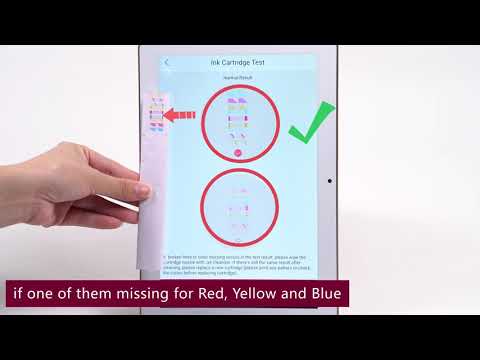
What a real cartridge test looks like
How output evidence is inspected
When the result should be saved for Support
Use boundary: Historical shared-cartridge reference. Do not improvise fluids, soaking, force or internal cleaning; current written manufacturer direction controls.
Optional official source film. Captions and transcripts on the external video have not been verified. You do not need the film to complete this orientation; the complete English orientation is the written outcome, summary, Watch for, use boundary, checklist, evidence target and Hold guidance on this page.
Film 8.2Official O2NAILS · shared/historical system reference
SM10 cartridge troubleshooting reference
Watch for
How a real O2NAILS troubleshooting check is framed
The output evidence being compared
Why one documented result is more useful than repeated guessing
Use boundary: Shared historical troubleshooting reference. Do not copy a cleaning action, fluid, retry count or cartridge movement unless current written manufacturer direction explicitly authorizes it.
Optional official source film. Captions and transcripts on the external video have not been verified. You do not need the film to complete this orientation; the complete English orientation is the written outcome, summary, Watch for, use boundary, checklist, evidence target and Hold guidance on this page.
Accepted current-unit lesson must verify
Do not execute these actions from the reference film. Review the intended scope so you can recognize what the accepted exact-current lesson still needs to prove.
Inspect the machine, power path, cartridge state and known issues at opening.
Use the test result as evidence; repeat only when current written guidance authorizes it.
Clean approved external areas only, log the result and use normal shutdown.
Evidence target · locked during Hold
Record the opening check, test result, approved external-care action, normal closeout and any Hold routed to Support.
Stop / Hold: Hold for leakage, heat, smell, damage, unusual resistance, noise, movement or a failed test that does not improve within the authorized retry limit. Use NailPrinter.ca Owner Support rather than guessing.
What still needs a NailPrinter.ca capture
Eight short exact-current task films are still required for physical release.
The official films are strong enough to replace abstract illustrations as orientation. They are not a substitute for a filmed current-unit sequence covering identity, station/power, startup/account, network/library, cartridge/preflight, positioning, one complete print and approved care.
The page will not convert historical or shared media into operating authority merely because it looks polished.
01
Versioned exact-current X12.5 manual, supplied-item list and product labels accepted
02
Eight unique current-unit task demonstrations accepted with technical and release review
03
Captions, verbatim transcripts, descriptive transcripts and unique posters accepted for every task
04
Practice rubric checked against current-unit pass, not-yet and stop examples
05
At least five clean owners complete the sequence without producer rescue or unsafe deviation
06
Separate dated technical and release approvals recorded
If the unit is already in front of you
Use the supplied current documents or free X12.5 Support.
Send the model, order reference, privacy-safe photos and the exact visible difference. Never send a password, network password, one-time code, payment-card detail or another person’s information.